Vehicle Idle Monitoring: See Every Minute Your Fleet Burns Fuel Standing Still
AC Cloud tracks idle time on every trip, alerts you when a vehicle idles too long and shows you exactly where fuel is being wasted, so you can cut it.
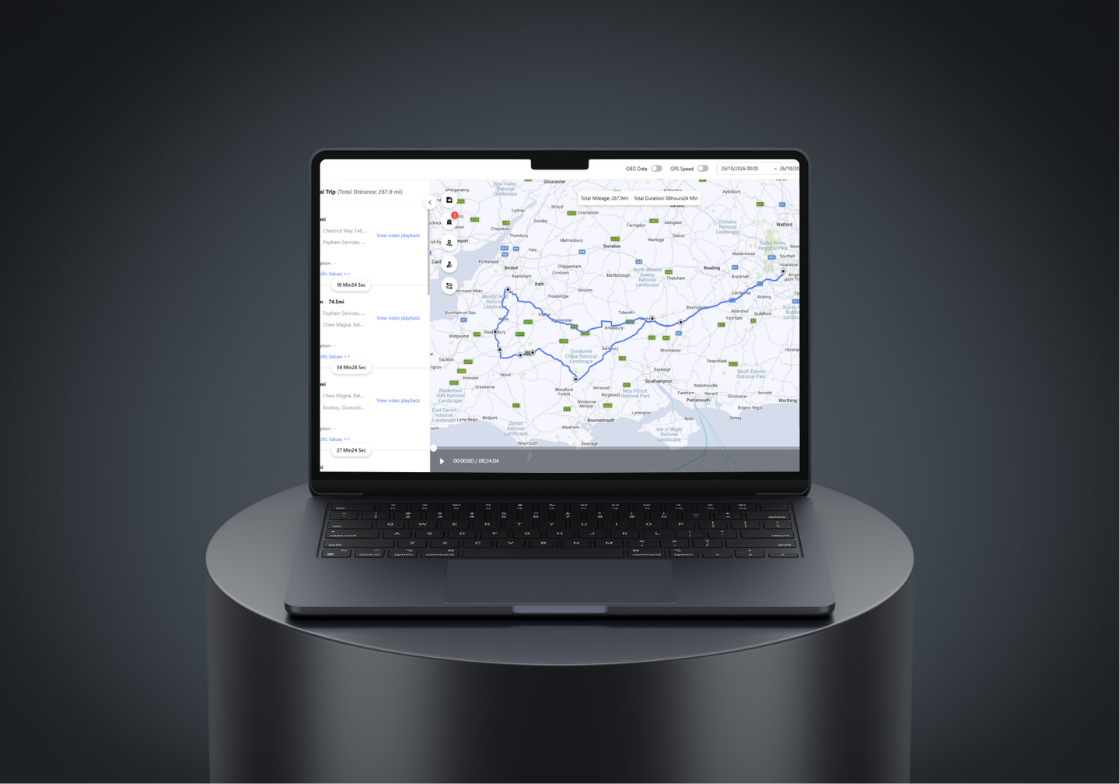
What is vehicle idling?
Vehicle idling is when a vehicle’s engine is running, but the vehicle isn’t moving. Some idling is unavoidable, such as sitting in traffic or powering a tail lift. Unnecessary idling, like running the engine during breaks or at a delivery, wastes fuel, adds engine wear and can lead to fines under Rule 123 of the Highway Code.
Idling Is the Fuel Cost You Can’t See
Whatever the price of diesel, every minute a vehicle sits with its engine running costs money and covers zero miles. But idling rarely shows up on a fuel bill or a report.
It happens in small moments across every shift:
- Waiting for a loading bay or a delivery slot
- Running the heater or air con during breaks
- Leaving the engine on during short drops
- Queuing at the depot first thing in the morning
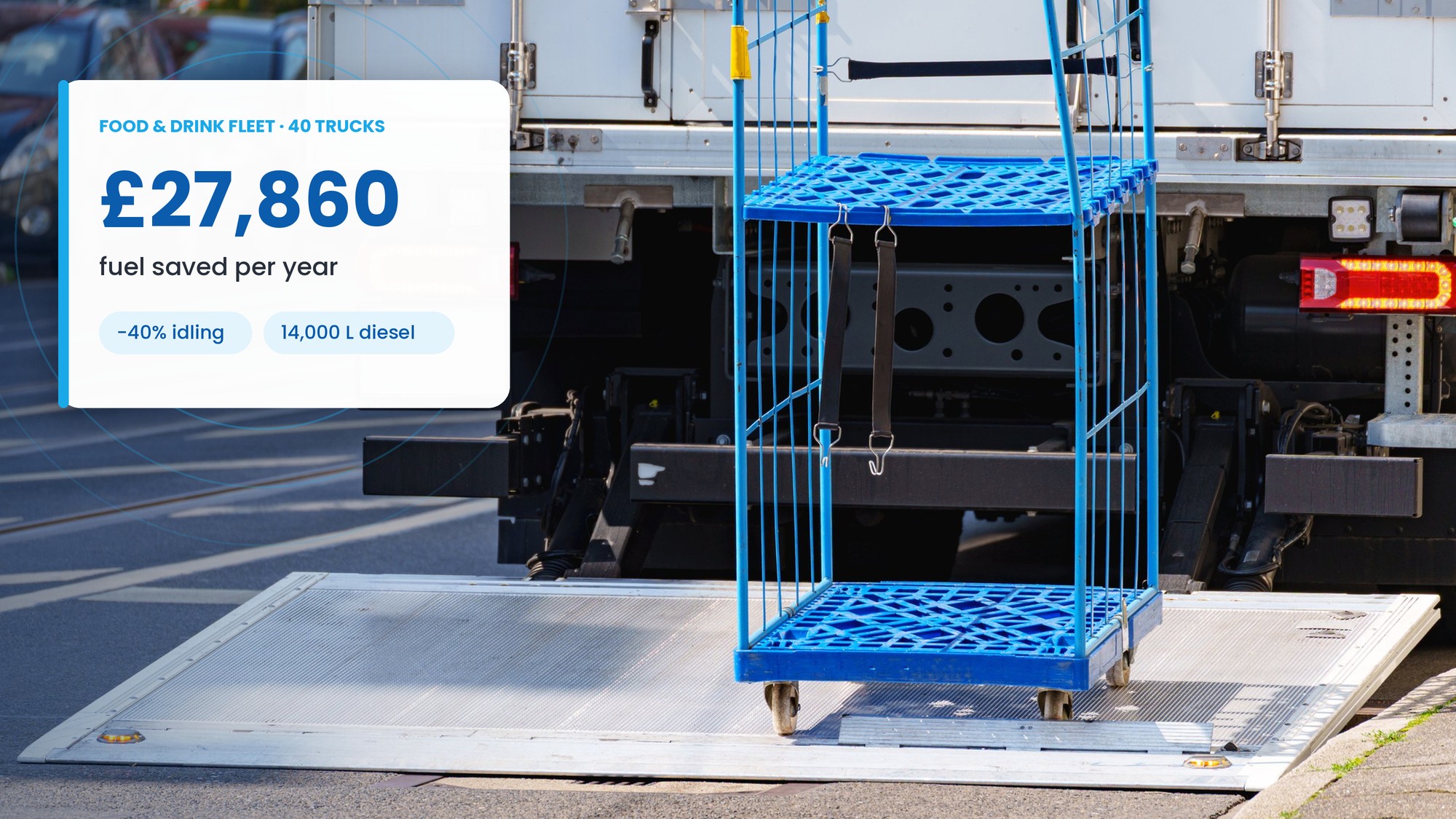
Across a fleet, those moments add up to thousands of pounds a year, extra engine wear, higher emissions and the risk of idling fines. You can’t reduce what you can’t measure, and that’s where AC Cloud comes in.
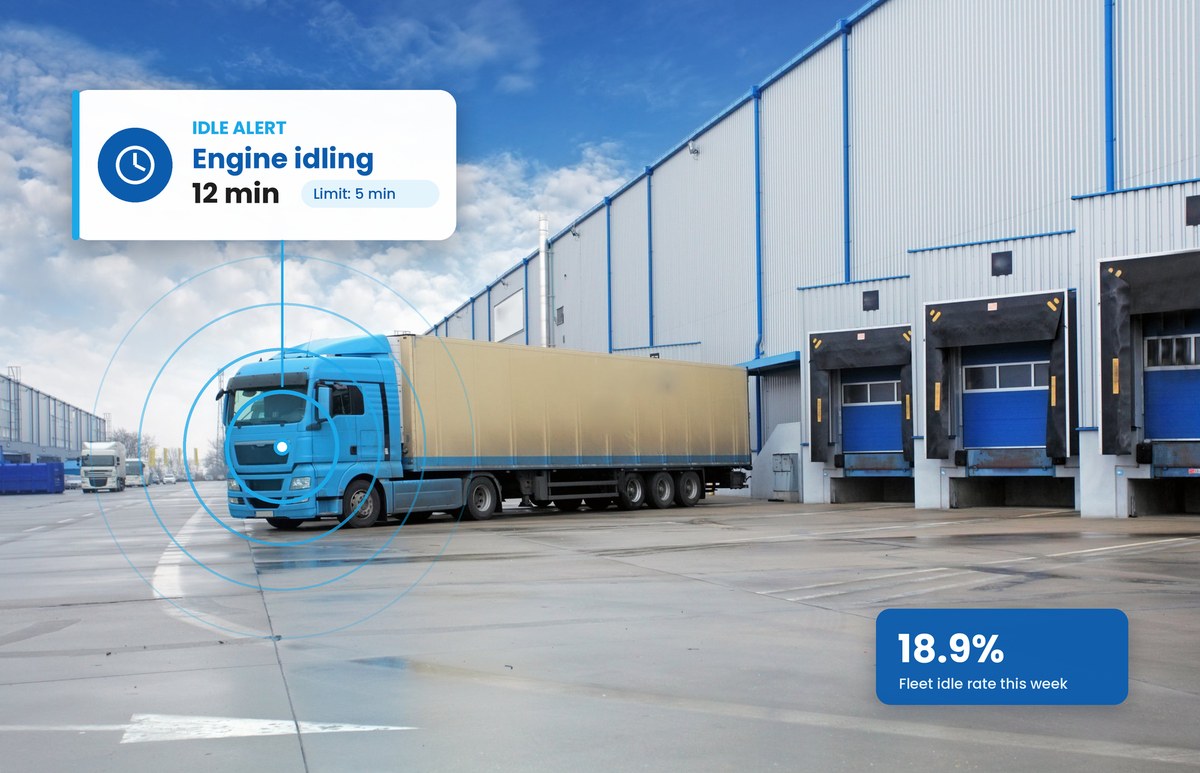
Everything You Need to Track and Cut Idling
AC Cloud records idle time automatically on every trip. No manual checks, no extra hardware for most fleets already using ACSS cameras.
Cut Idling in Three Steps
Getting started takes days, not months.
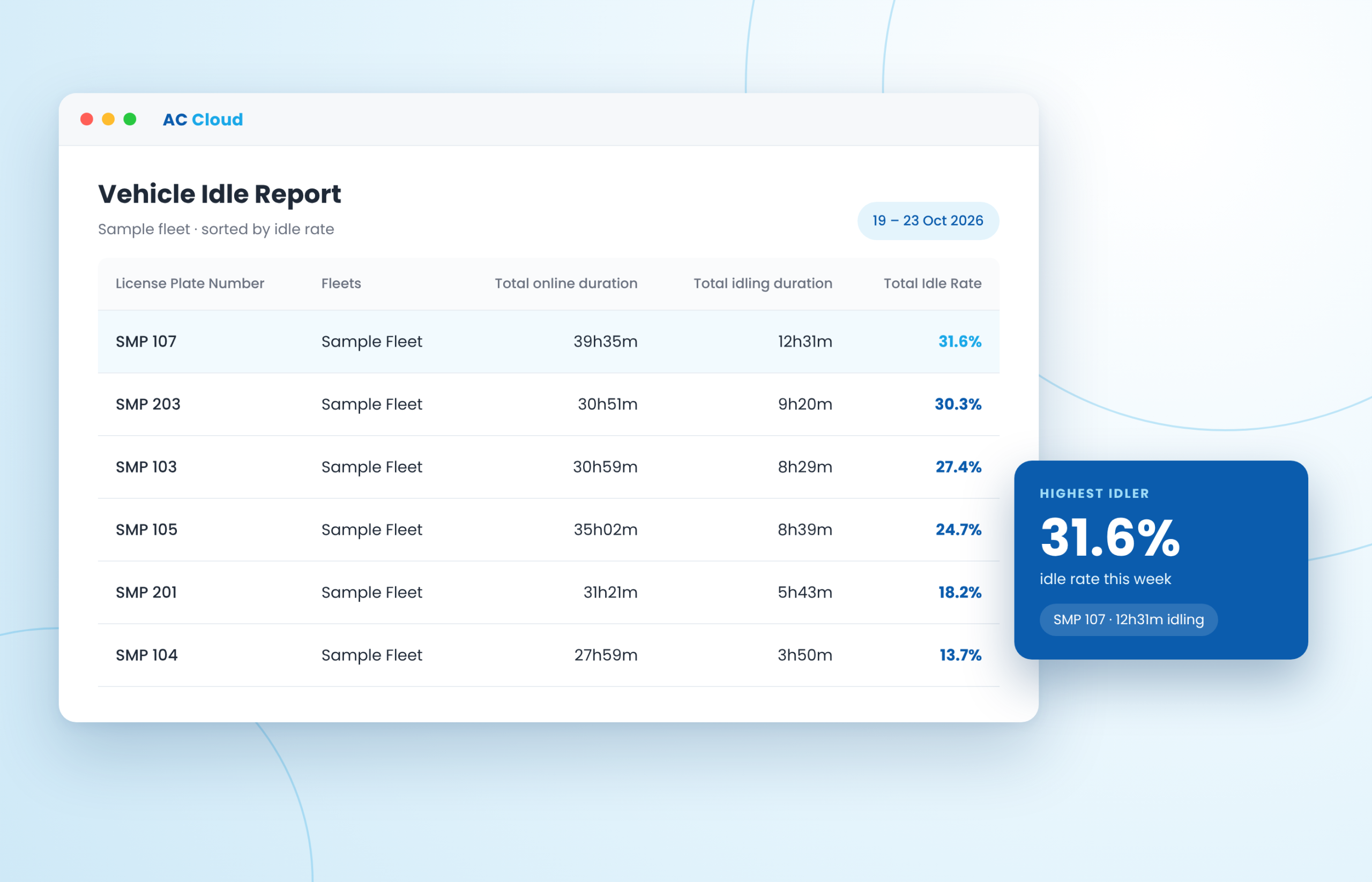
See What an Idle Report Shows You
See What an Idle Report Shows You
Download our sample weekly idle report, built in the same format as AC Cloud. See idle rate, idle cost and alerts for every driver in an example fleet, then change the fuel price and idle rates to match your own.
Vehicle Idle Monitoring FAQs
AC Cloud logs idle time when a vehicle’s ignition is on but it’s been stationary for longer than a set time, so short stops like traffic lights aren’t counted. Each idle period is recorded with its time, duration and location, and AC Cloud works out every vehicle’s idle rate.
Yes. Set your own idle time limit, and the fleet operator gets a push notification whenever a vehicle goes over it.
Yes. Idle reports can be scheduled to arrive automatically, for example every Monday morning, and downloaded as Excel files.
Yes, with our DMS driver camera fitted. It identifies the driver automatically and links idle time to them in AC Cloud.
Not always. Many customers can use idle reporting with their current cameras. If you’re on our older software, you can switch to AC Cloud at no additional cost. Contact support to check your setup.
Yes. Idle reports can be downloaded from AC Cloud as Excel files, showing driving time, idle time and idle rate for each vehicle and trip. You can also schedule reports to arrive in your inbox automatically, daily or weekly, so you can share them with your team or keep them for your records.
Start Cutting Idle Costs This Week
See your fleet’s idle time, idle rate and the fuel it costs in AC Cloud. Book a 15-minute demo, and we’ll show you what it would report for your vehicles.